# NAME
Alien::Xmake - Locate, Download, or Build and Install Xmake
# SYNOPSIS
```perl
use Alien::Xmake;
my $xmake = Alien::Xmake->new;
system $xmake->exe, '--help';
system $xmake->exe, qw[create -t qt.widgetapp test];
system $xmake->xrepo, qw[info libpng];
```
# DESCRIPTION
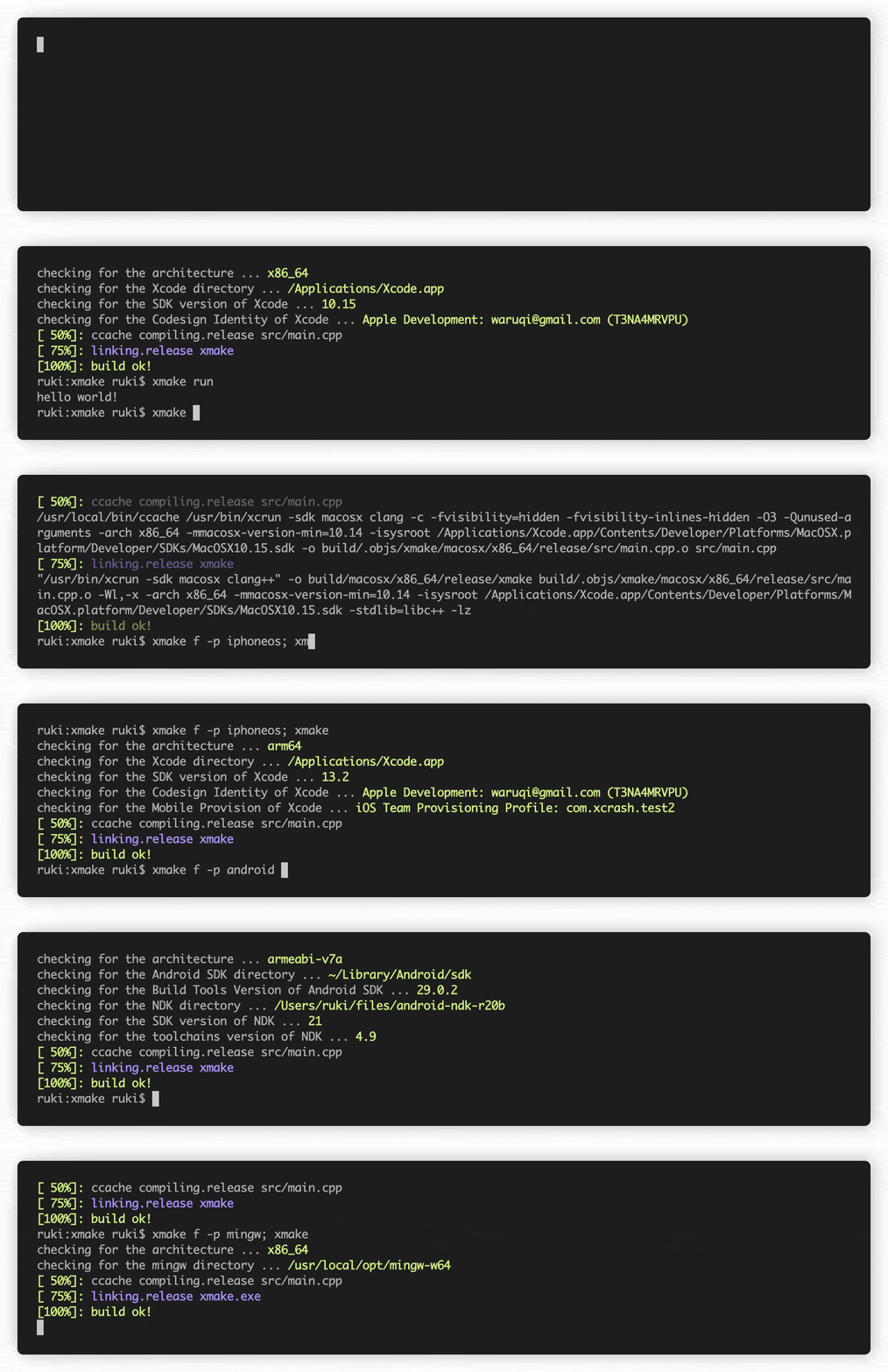
Xmake is a lightweight, cross-platform build utility based on Lua. It uses a Lua script to maintain project builds, but
is driven by a dependency-free core program written in C. Compared with Makefiles or CMake, the configuration syntax is
(in the opinion of the author) much more concise and intuitive. As such, it's friendly to novices while still
maintaining the flexibly required in a build system. With Xmake, you can focus on your project instead of the build.
Xmake can be used to directly build source code (like with Make or Ninja), or it can generate project source files like
CMake or Meson. It also has a built-in package management system to help users integrate C/C++ dependencies.
If you want to know more, please refer to the [Documentation](https://xmake.io/guide/quick-start.html),
[GitHub](https://github.com/xmake-io/xmake), or [Gitee](https://gitee.com/tboox/xmake). You are also welcome to join
the [community](https://xmake.io/about/contact.html).
# Methods
Not many are required or provided.
## `install_type()`
Returns 'system' or 'shared'.
## `exe()`
```
system Alien::Xmake->exe;
```
Returns the full path to the Xmake executable.
## `xrepo()`
```
system Alien::Xmake->xrepo;
```
Returns the full path to the [xrepo](https://github.com/xmake-io/xmake-repo) executable.
## `bin_dir()`
```perl
use Env qw[@PATH];
unshift @PATH, Alien::Xmake->bin_dir;
```
Returns a list of directories you should push onto your PATH.
For a 'system' install this step will not be required.
## `version()`
```perl
my $ver = Alien::Xmake->version;
```
Returns the version of Xmake installed.
Under a 'system' install, `xmake --version` is run once and the version number is cached.
# Alien::Base Helper
To use Xmake in your `alienfile`s, require this module and use `%{xmake}` and `%{xrepo}`.
```perl
use alienfile;
# ...
[ '%{xmake}', 'install' ],
[ '%{xrepo}', 'install ...' ]
# ...
```
# Xmake Cookbook
Xmake is severely underrated so I'll add more nifty things here but for now just a quick example.
You're free to create your own projects, of course, but Xmake comes with the ability to generate an entire project for
you:
```
$ xmake create -P hi # generates a basic console project in C++ and xmake.lua build script
$ cd hi
$ xmake -y # builds the project if required, installing defined prerequisite libs, etc.
$ xmake run # runs the target binary which prints 'hello, world!'
```
`xmake create` is a lot like `minil new` in that it generates a new project for you that's ready to build even before
you change anything. It even tosses a `.gitignore` file in. You can generate projects in C++, Go, Objective C, Rust,
Swift, D, Zig, Vale, Pascal, Nim, Fortran, and more. You can also generate boilerplate projects for simple console
apps, static and shared libraries, macOS bundles, GUI apps based on Qt or wxWidgets, IOS apps, and more.
See `xmake create --help` for a full list.
# Prerequisites
Windows simply downloads an installer but elsewhere, you gotta have git, make, and a C compiler installed to build and
install Xmake. If you'd like Alien::Xmake to use a pre-built or system install of Xmake, install it yourself first with
one of the following:
- Built from source
```
$ curl -fsSL https://xmake.io/shget.text | bash
```
...or on Windows with Powershell...
```
> Invoke-Expression (Invoke-Webrequest 'https://xmake.io/psget.text' -UseBasicParsing).Content
```
...or if you want to do it all by hand, try...
```
$ git clone --recursive https://github.com/xmake-io/xmake.git
# Xmake maintains dependencies via git submodule so --recursive is required
$ cd ./xmake
# On macOS, you may need to run: export SDKROOT=$(xcrun --sdk macosx --show-sdk-path)
$ ./configure
$ make
$ ./scripts/get.sh __local__ __install_only__
$ source ~/.xmake/profile
```
...or building from source on Windows...
```
> git clone --recursive https://github.com/xmake-io/xmake.git
> cd ./xmake/core
> xmake
```
- Windows
The easiest way might be to use the installer but you still have options.
- Installer
Download a 32- or 64-bit installer from https://github.com/xmake-io/xmake/releases and run it.
- Via scoop
```
$ scoop install xmake
```
See https://scoop.sh/
- Via the Windows Package Manager
```
$ winget install xmake
```
See https://learn.microsoft.com/en-us/windows/package-manager/
- Msys/Mingw
```
$ pacman -Sy mingw-w64-x86_64-xmake # 64-bit
$ pacman -Sy mingw-w64-i686-xmake # 32-bit
```
- MacOS with Homebrew
```
$ brew install xmake
```
See https://brew.sh/
- Arch
```
# sudo pacman -Sy xmake
```
- Debian
```
# sudo add-apt-repository ppa:xmake-io/xmake
# sudo apt update
# sudo apt install xmake
```
- Fedora/RHEL/OpenSUSE/CentOS
```
# sudo dnf copr enable waruqi/xmake
# sudo dnf install xmake
```
- Gentoo
```
# sudo emerge -a --autounmask dev-util/xmake
```
You'll need to add GURU to your system repository first.
- FreeBSD
Build from source using gmake instead of make or try this:
```
$
```
- Android (Termux)
```
$ pkg install xmake
```
# See Also
[https://xmake.io/](https://xmake.io/)
Demos for both \`xmake\` and \`xrepo\` in \`eg/\`.
# LICENSE
Copyright (C) Sanko Robinson.
This library is free software; you can redistribute it and/or modify it under the terms found in the Artistic License
2\. Other copyrights, terms, and conditions may apply to data transmitted through this module.
# AUTHOR
Sanko Robinson